


What is the cleverQ SOS module?
In administrative environments that play a vital role in people’s livelihoods — including job centers, social welfare, immigration, or licensing offices — the potential for verbal or physical incidents cannot be ruled out.
With the cleverQ SOS module, you can request help from your office at any time — even across multiple locations.
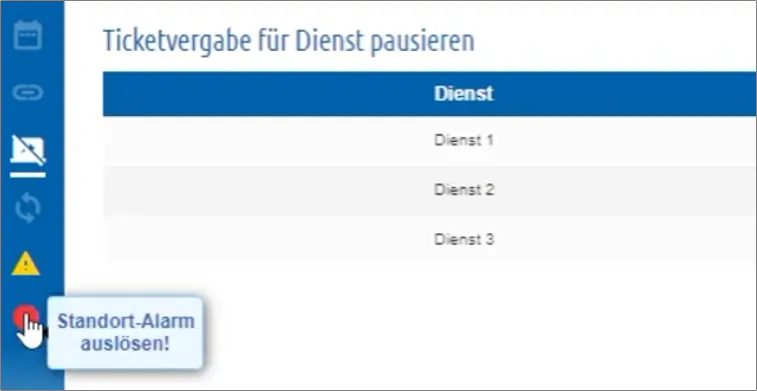
Dedicated SOS buttons are integrated into the cleverQ administration interface, where you centrally manage both walk-in and appointment customers. Activating these buttons immediately triggers different alarm signals, ensuring a fast and coordinated response.
Alarm triggering options
An alarm can be triggered by employees in various ways.
The first option is to trigger the alarm via the cleverQ Workstation (via all common web browsers).
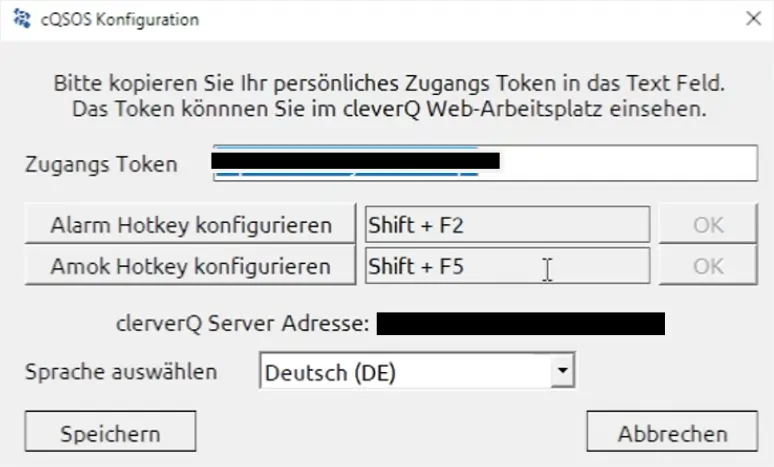
The second option is to trigger the alarm with a dedicated application that needs to be installed. In this way, an alarm can also be triggered with hotkeys or key combinations.
There are two basic alarm types in the cleverQ SOS module:
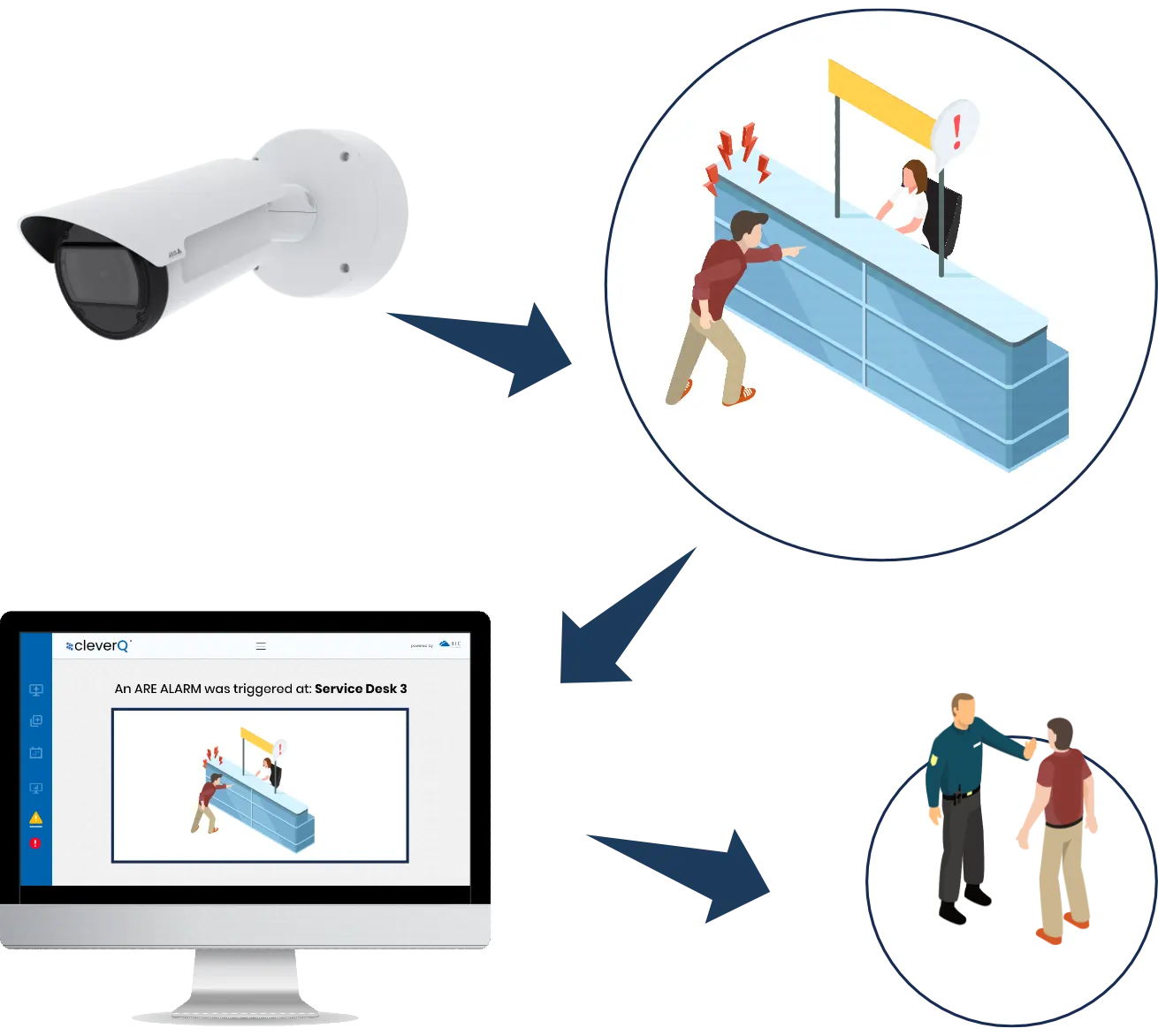
Silent group alarm (ARE alarm)
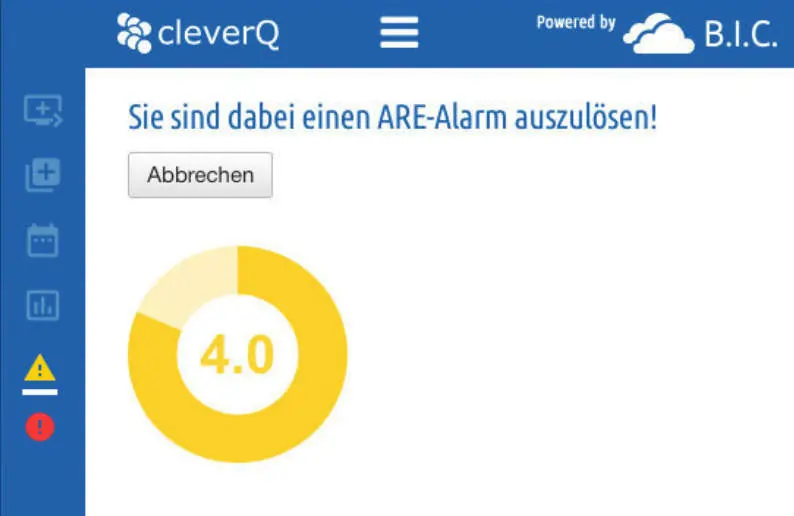
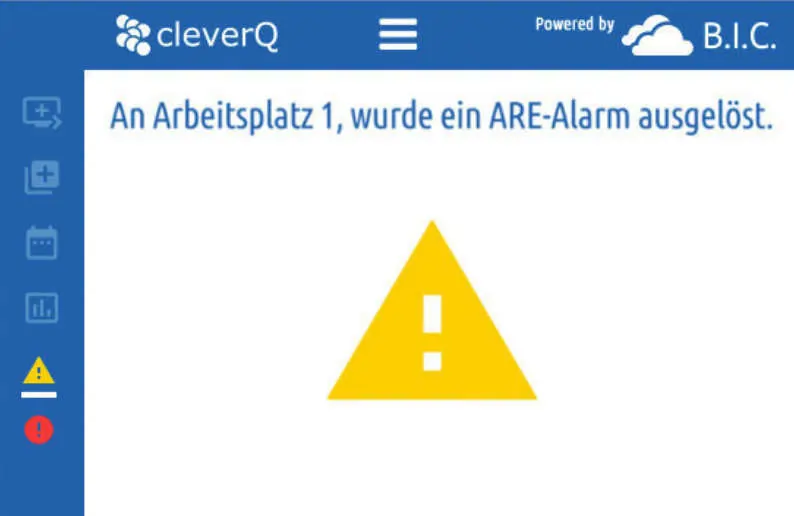
A silent group alarm will only alert the recipients you have specified. No warning signal sounds when the ARE alarm is triggered.
If a silent alarm is triggered, all previously defined recipients are informed of the alarm triggering and the affected workstation in a window that appears.
Location alarm (AMOK alarm)
In the event of an AMOK alarm, all employees at the location are informed in order to initiate appropriate safety measures (lock the room, evacuate, etc.). Of course, another location can also be informed that an AMOK alarm has been triggered.
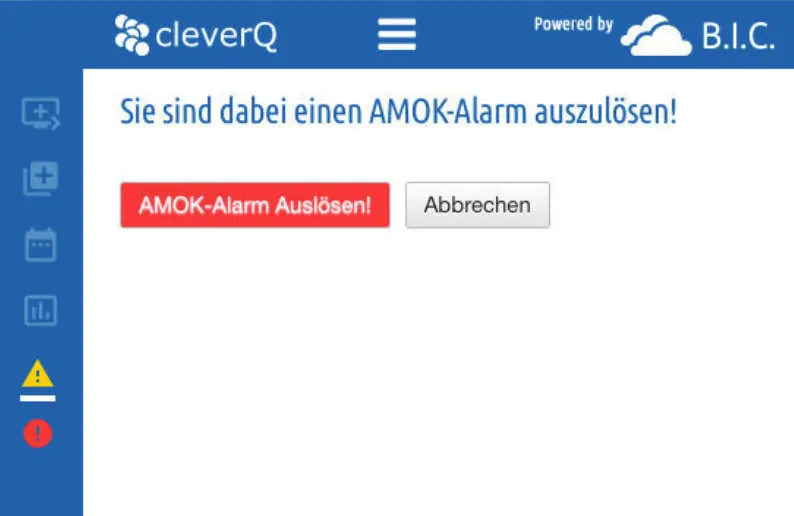
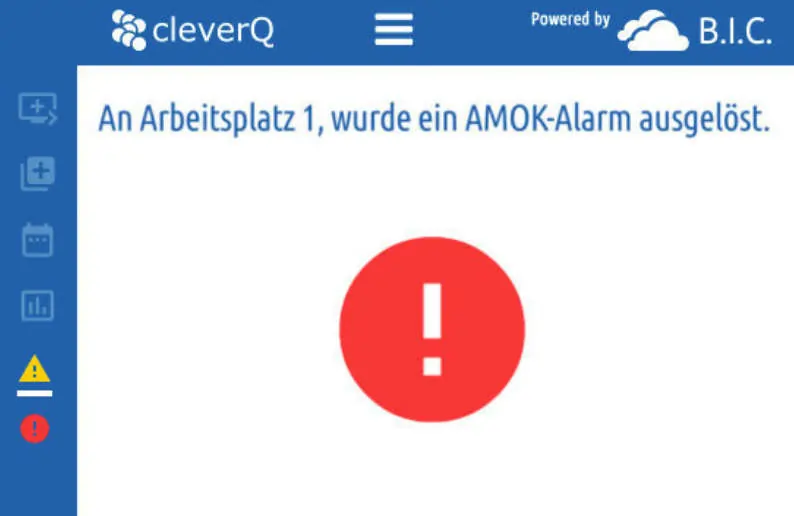
cleverQ SOS module - Features overview
Video Live Feed
Get real-time visibility into critical situations and visitor flow with the cleverQ Video Live Feed.
Security monitoring:
In the event of an SOS alarm via the cleverQ app or a kiosk terminal, Axis cameras automatically provide live images of the event location. The system links each alarm directly to the corresponding camera perspective – for faster responses and greater safety for visitors and employees.
Process optimization:
Monitor waiting areas, service counters or entrance areas live. React immediately in the event of overcrowding, open additional counters or redirect visitor flows in a targeted manner.
The integrated system strengthens security measures and optimizes operations, providing a safe and efficiently managed environment.

Who is the cleverQ SOS module suitable for?
All service companies, authorities and public institutions are often confronted with violent behavior when providing their services, which can put employees and customers at risk. Recently, transportation companies such as railroad companies and airlines have also faced similar problems, which are exacerbated by staff shortages. This is increasingly resulting in assaults on staff and inventory.
In such incidents, quick action is required in order to quickly defuse or completely avoid dangerous situations with a smooth information chain.
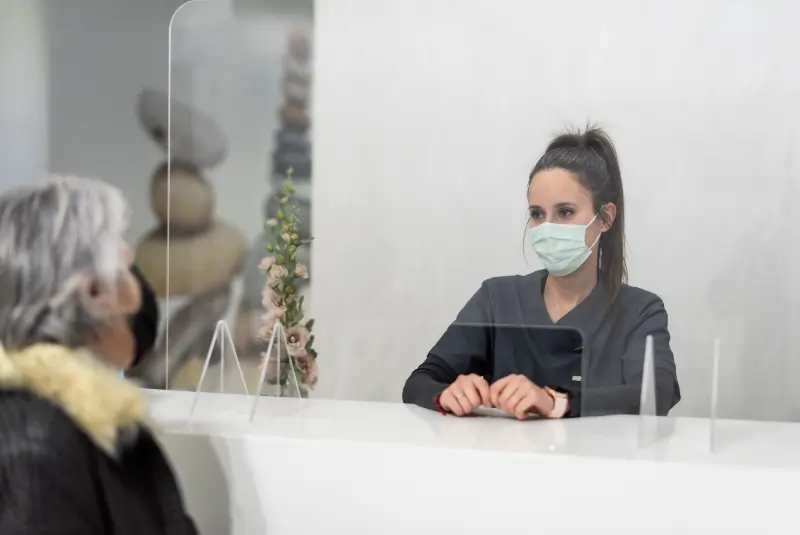
(job centers, registration offices, citizens’ offices)
Citizens reserve an e-ticket and spend the waiting time where they want (car, café, etc.)

(supermarkets, pharmacies, shopping centers)
Customers reserve an e-ticket and can continue shopping until they are called.

(handling, loading ramps, entrances and exits)
cleverQ is suitable for all companies that generate waiting times through customer service…
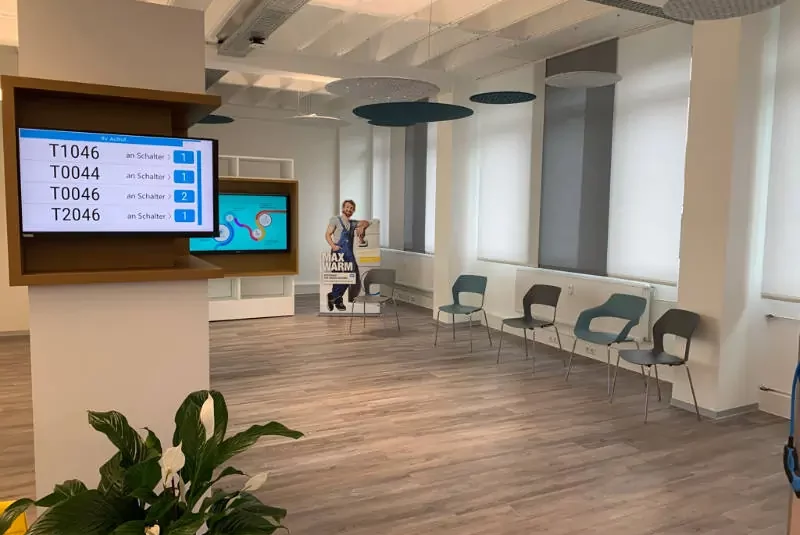
(public utilities, banks, insurance companies)
cleverQ is suitable for all companies that generate waiting times through customer service…
cleverQ SOS module
Would you like to test the cleverQ SOS module for your company or book it directly? Just send us a short message and we will get back to you immediately.
made with ❤️ by cleverQ

